Stay up to date
Get a notification on your phone or computer when we post news, events and announcements.
Your browser will ask for permission. You can turn them off at any time.
Turn off notifications
On iPhone and iPad, add Model Montessori to your Home Screen first:
Tap the Share button (in Safari it is at the bottom or top of the screen) . Scroll down and tap Add to Home Screen , then Add . Open Model Montessori from your Home Screen. Tap the bell and choose Turn on notifications .
Needs iOS 16.4 or later (Settings → General → Software Update).
To allow them, open your browser's site settings (the icon beside the web address), set Notifications to Allow , then try again.
Try Chrome, Edge, Firefox or Safari on a computer or Android phone — or follow our news on this page.
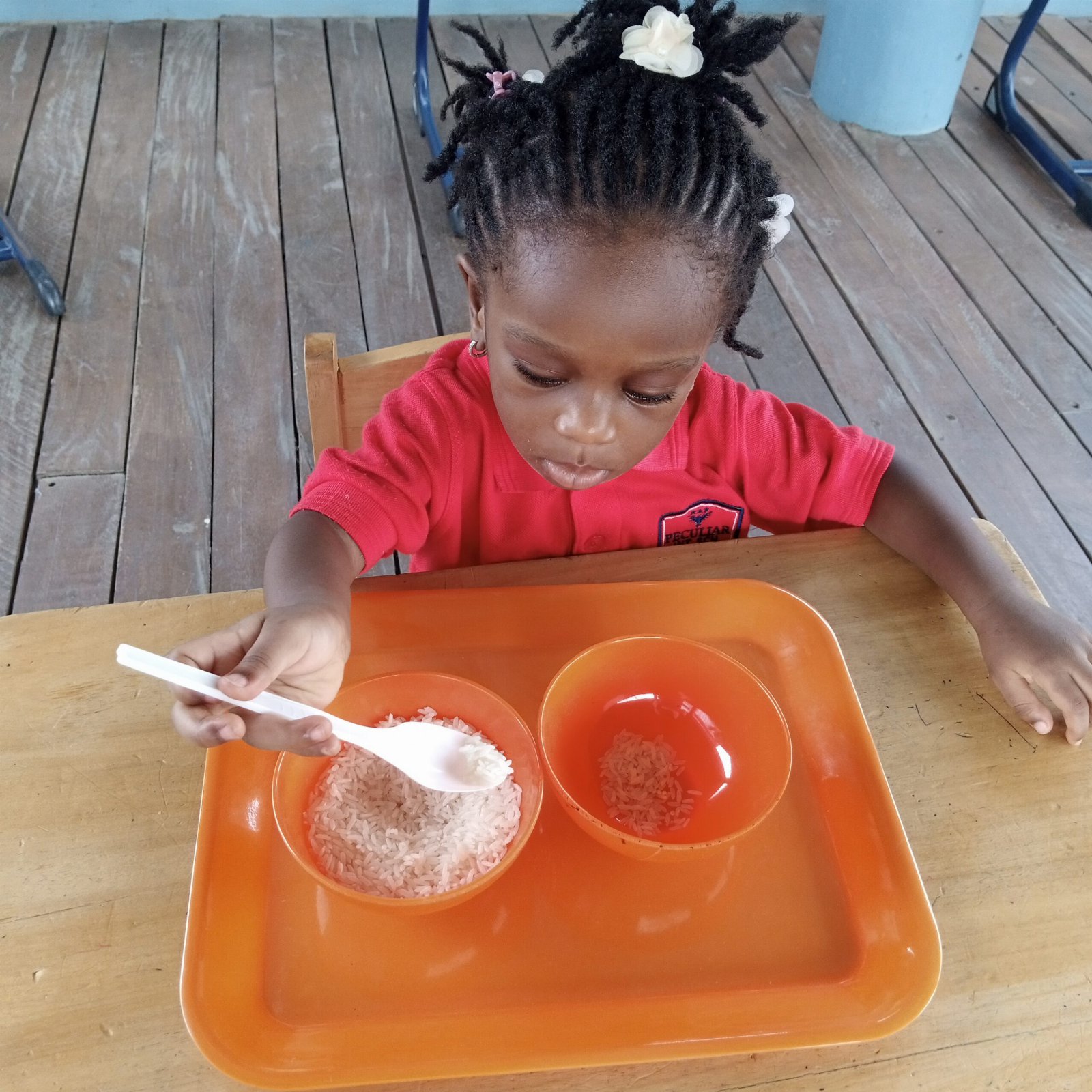
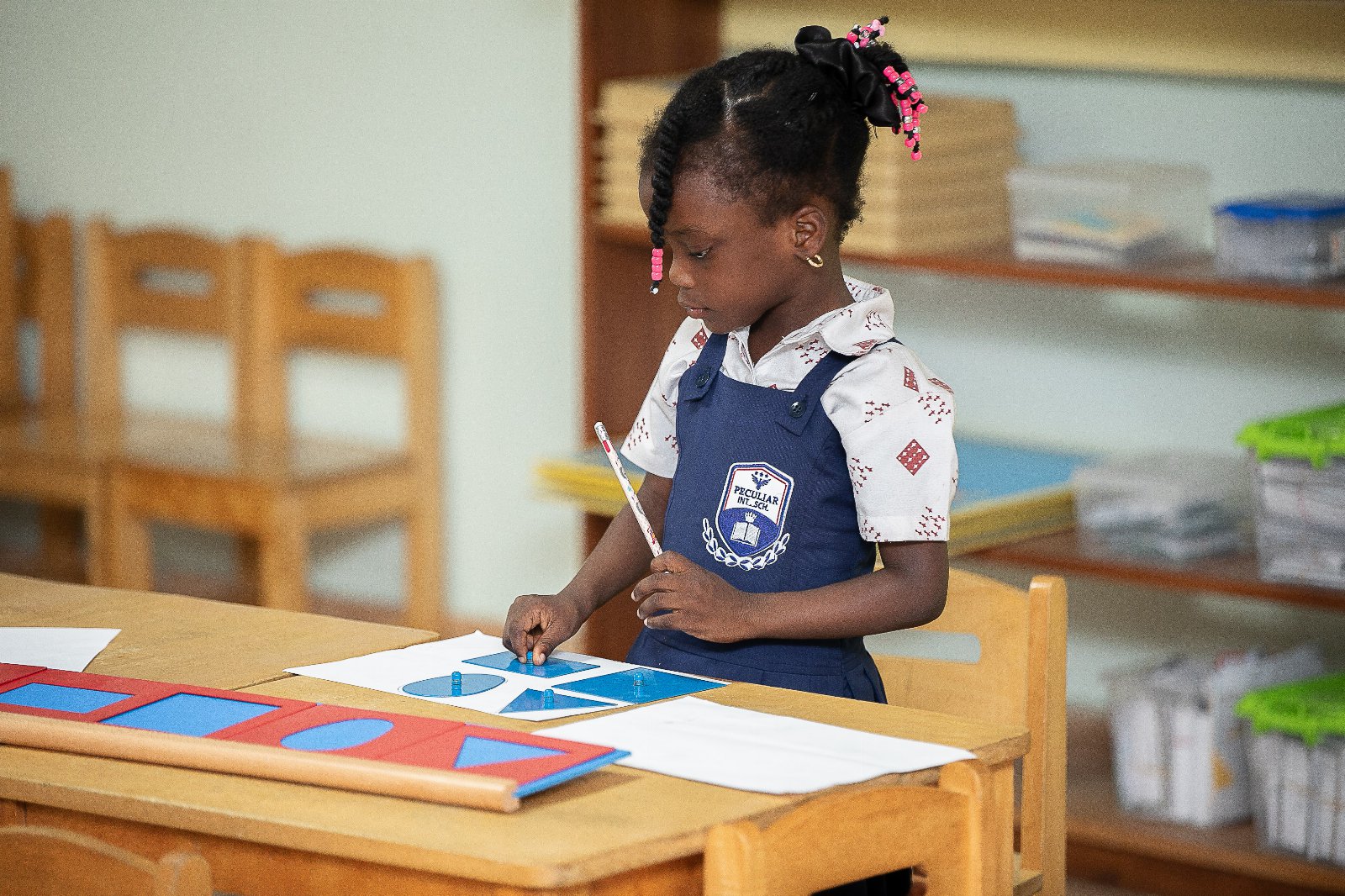
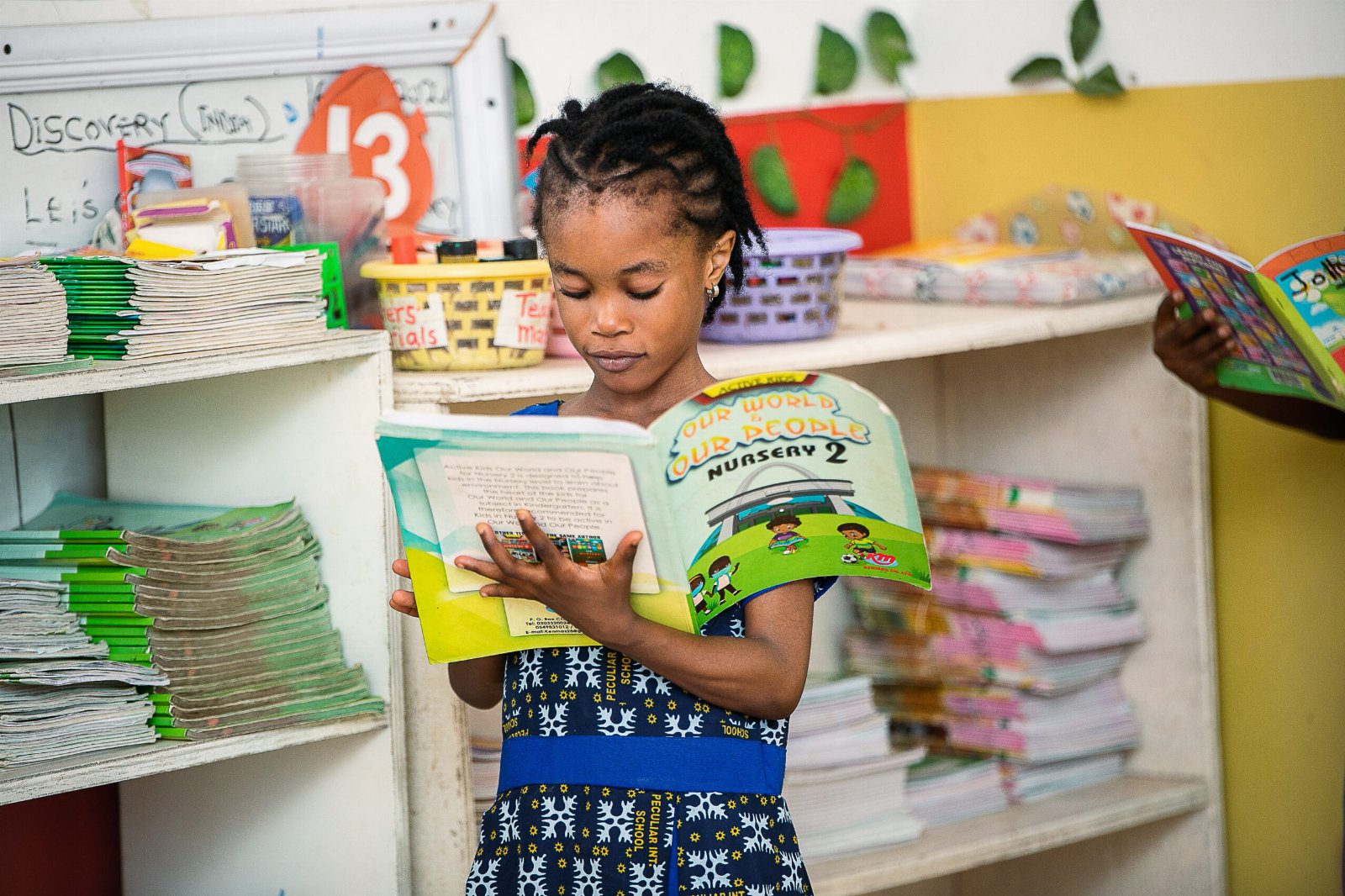
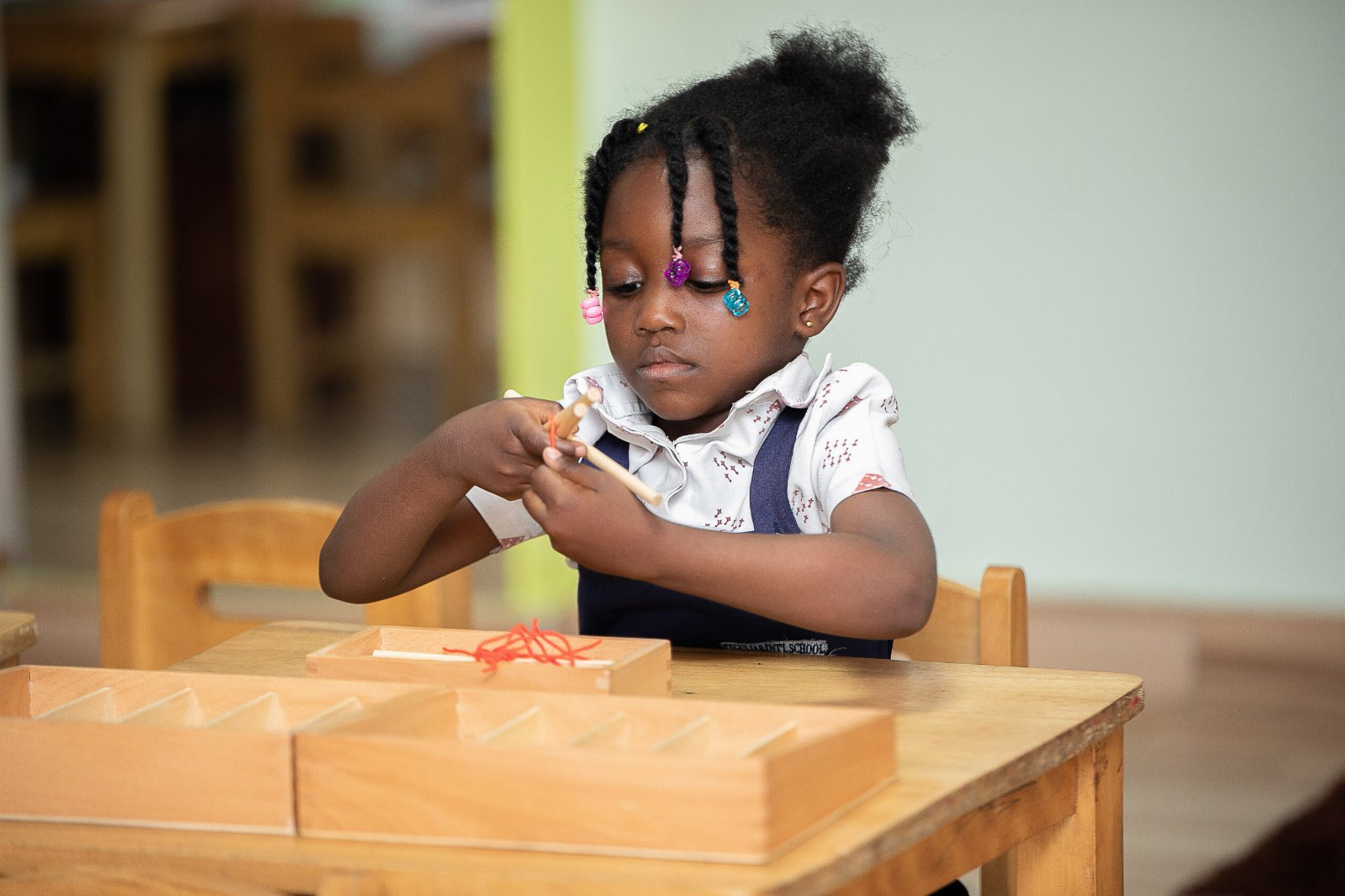
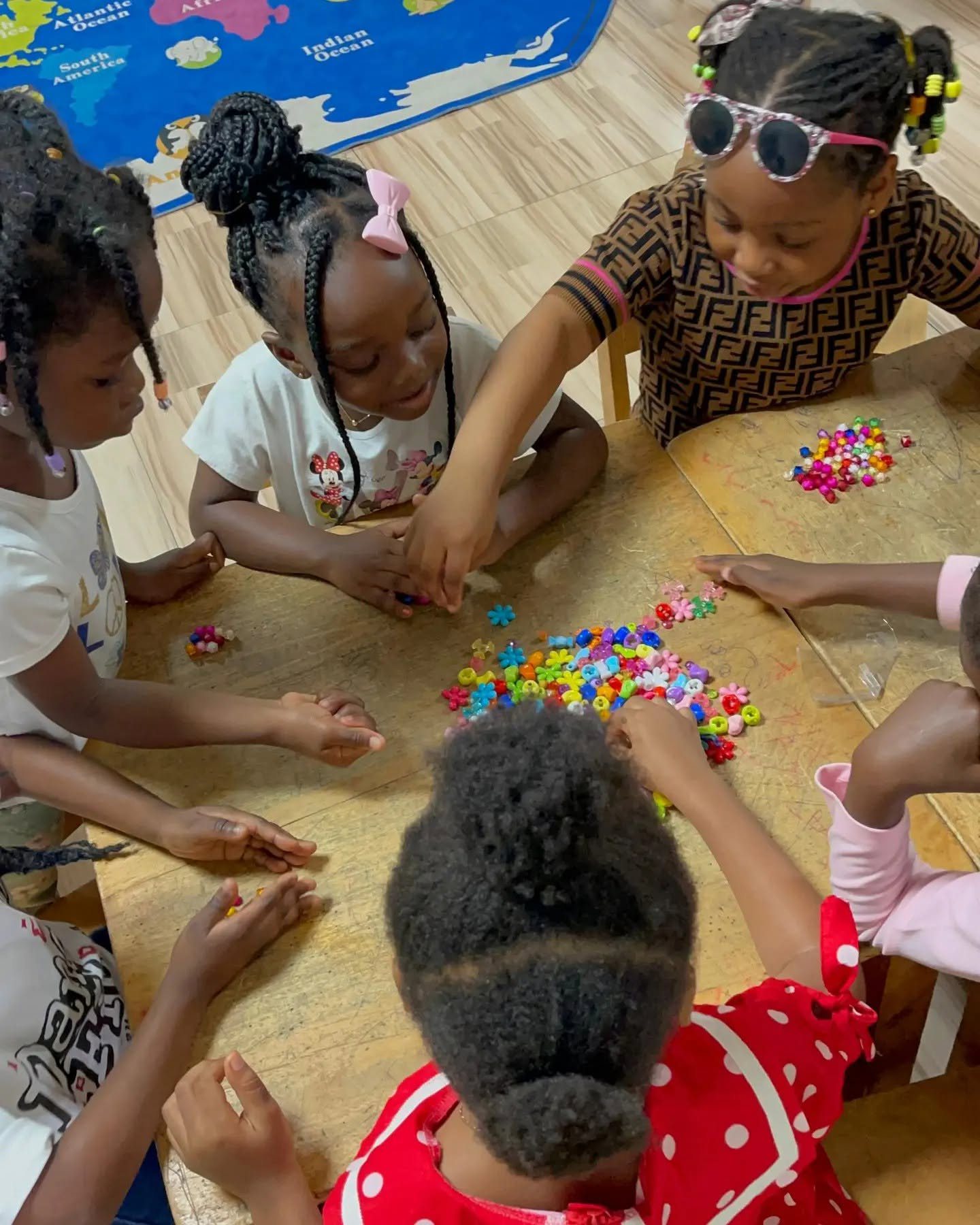
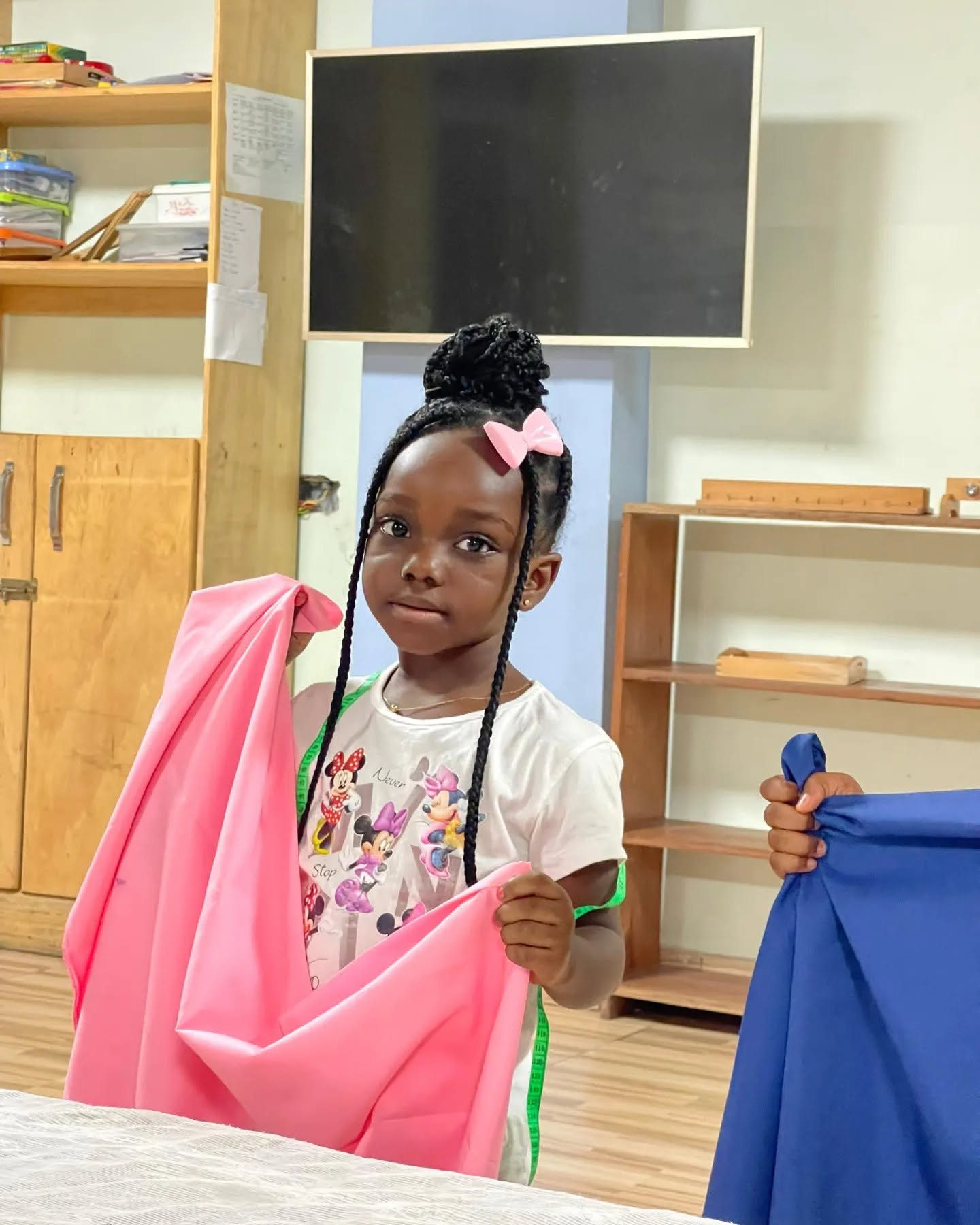
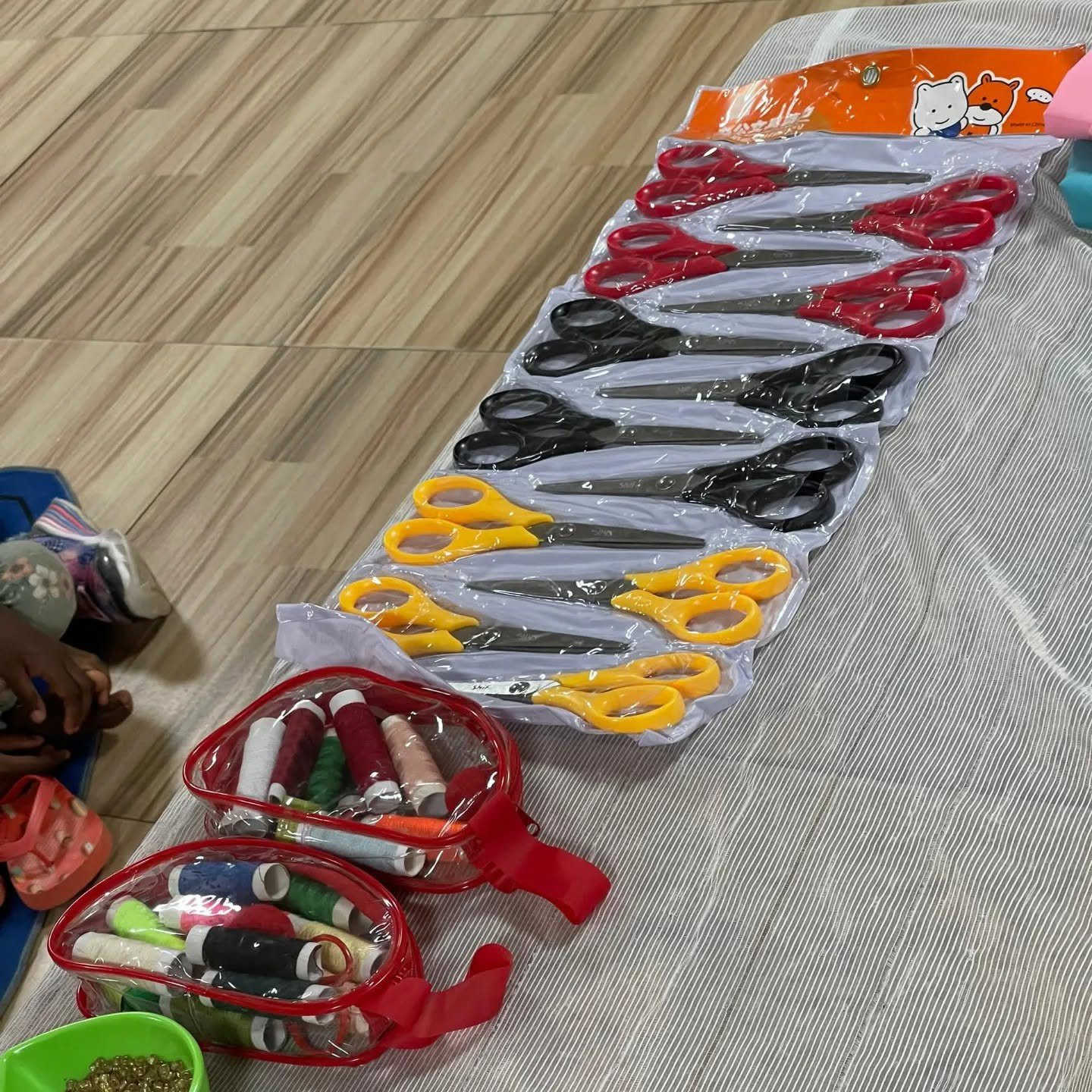
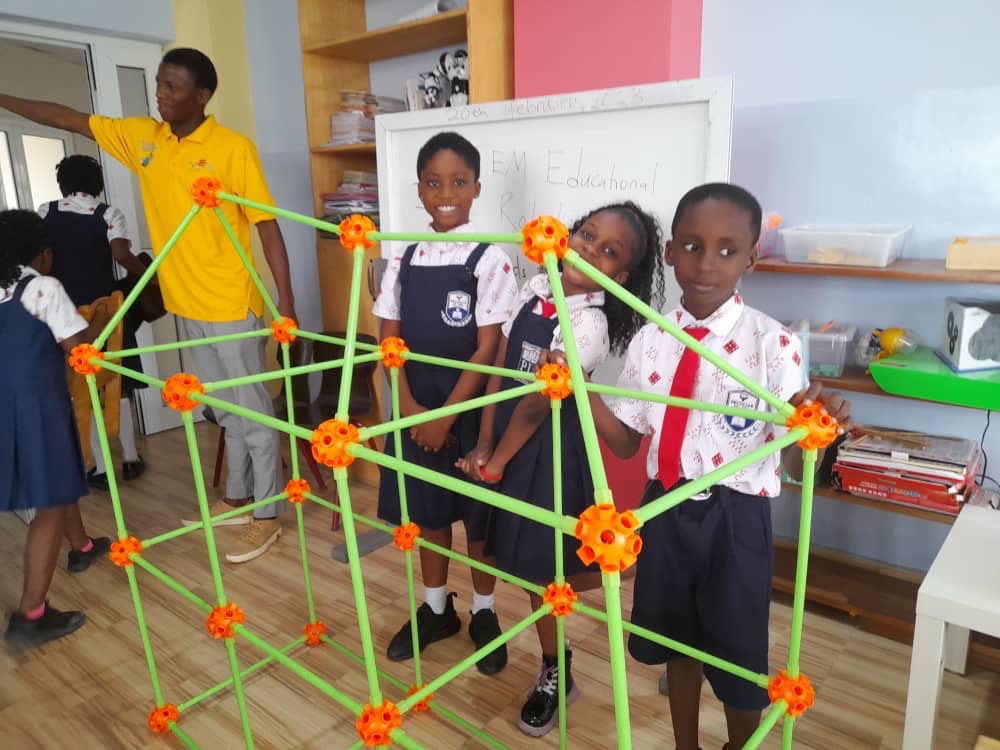 3 photos · 1 video
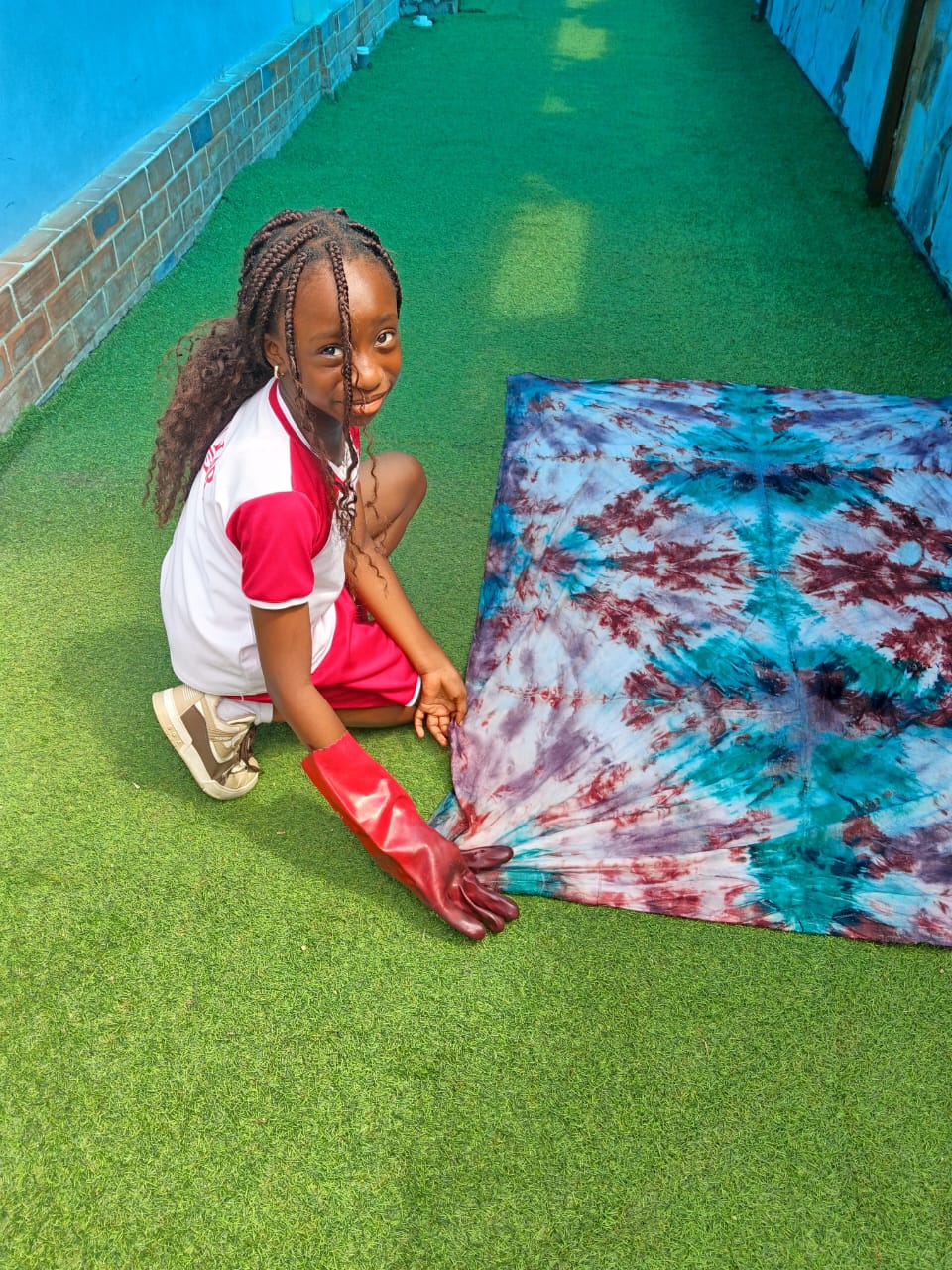 3 photos
 19 photos